Step 1Fixed side
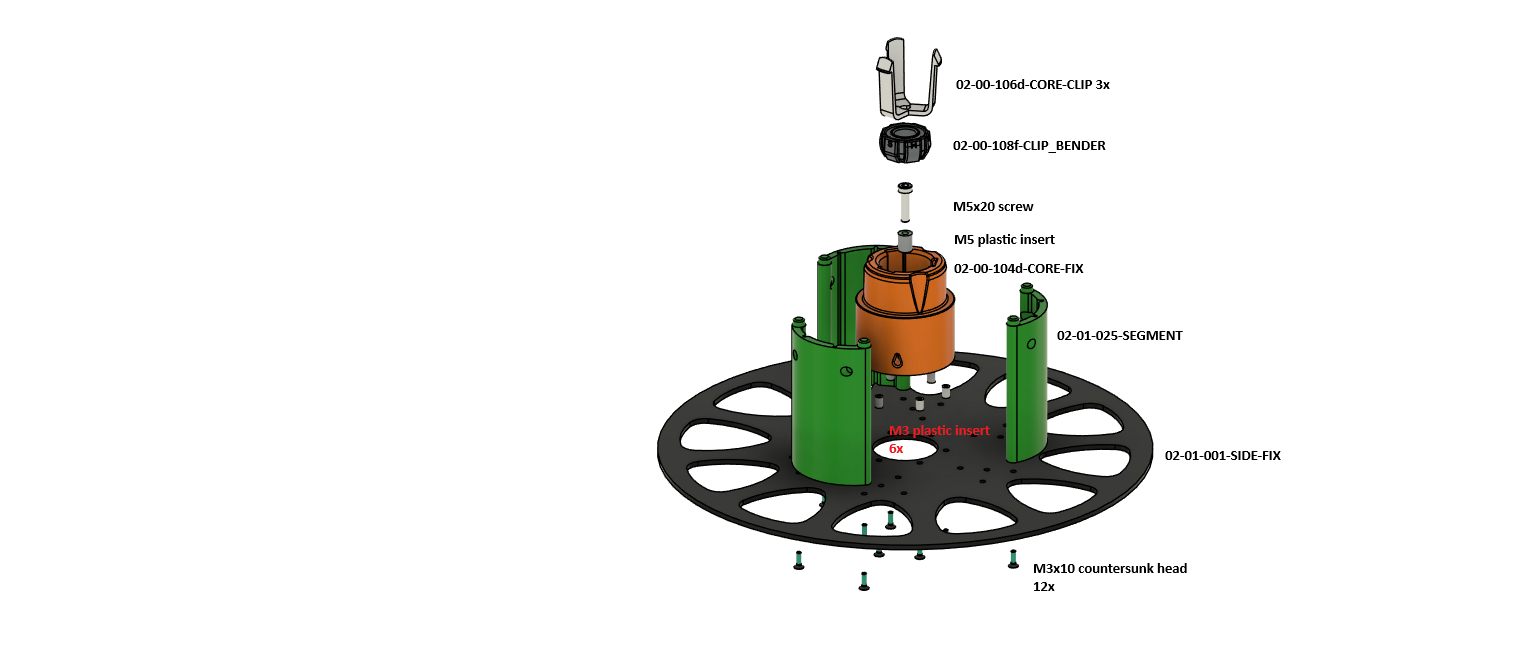
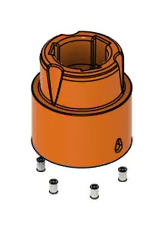
1. Press the M3 inserts into the core
Press the M3 inserts into the underside of the core CORE-FIX. Three of them can be seen in the animation, there are six in all (marked red in the drawing).
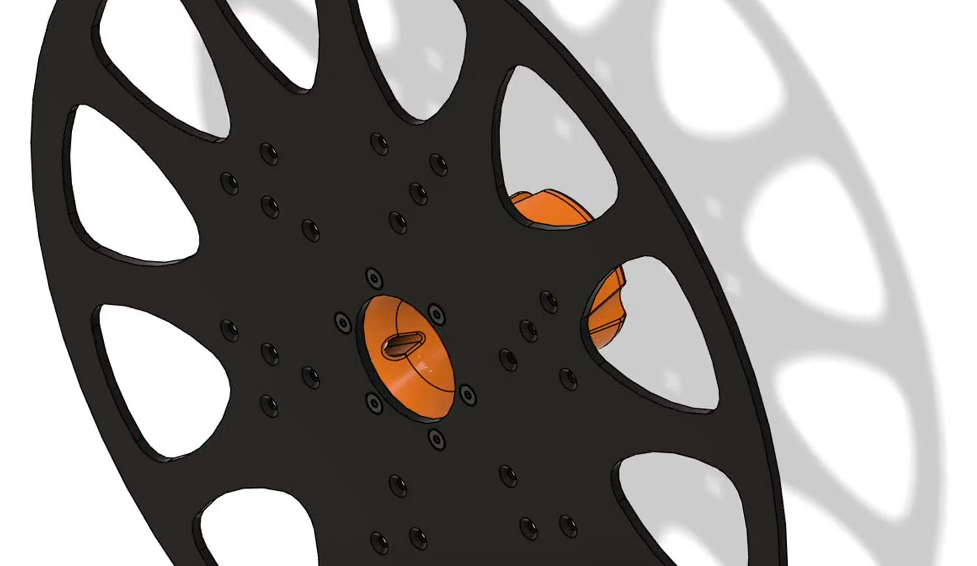
2. Screw the core to the side
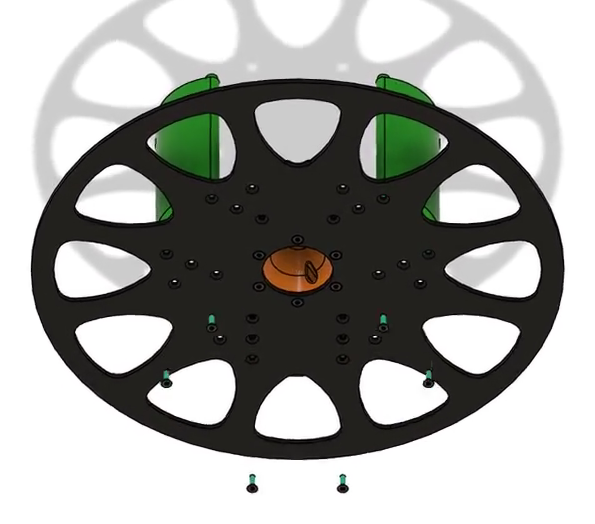
Put the core CORE-FIX in the middle of the side SIDE-FIX and screw it on from below with M3x10 countersunk screws. The drawing shows 12 screws for the whole fixed side.
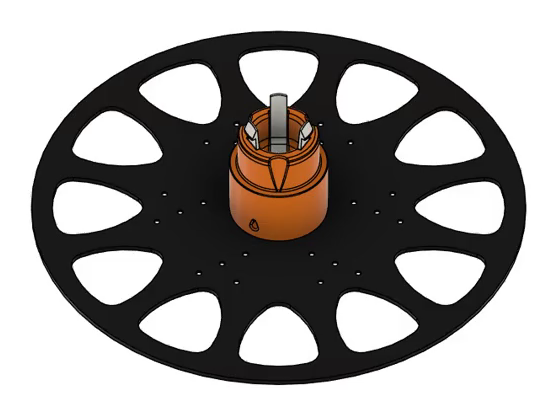
3. Assemble the clip bender
Press an M5 insert into the middle of the core, put on CLIP_BENDER and screw it down with an M5x20 screw.
4. Fit the segments
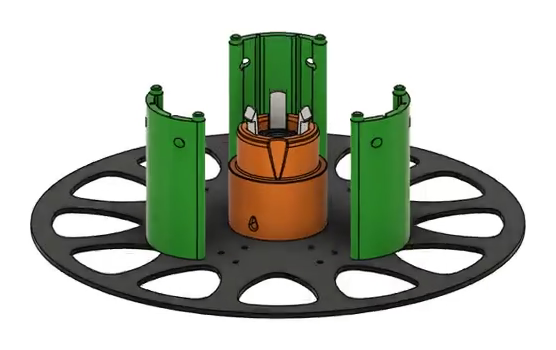
Fit the three SEGMENT parts around the core (green in the drawing).
5. Push in the clips
Push in the three CORE-CLIP parts. The fixed side is done.
The video opens after you buy this guide.See the plans →