Build guide
Spool
The spool on its own: fixed and removable side, step by step, with the parts and the videos.
- Bill of materials · 6
- Videos · 2
- Updated 31 Oct 2026
🔒 Assembly guide (PDF)🔒 All files (ZIP)
Bill of materials
| Qty | Item | Category | Note |
|---|---|---|---|
| 18 | Screw M3x10, countersunk head | Screws | 12 fixed side, 6 removable side |
| 1 | Screw M5x20 | Screws | Clip bender |
| 12 | Insert M3 | Inserts | 6 in the fixed side, 6 in CORE-REM |
| 1 | Insert M5 | Inserts | Clip bender |
| 1 | Spring D8.6 / d0.63 / L16 | Mechanics | Button of the removable side |
| 2 | Spool sides SIDE-FIX and SIDE-REMOVABLE | Mechanics | Print, laser cut or buy |
GuideSpool
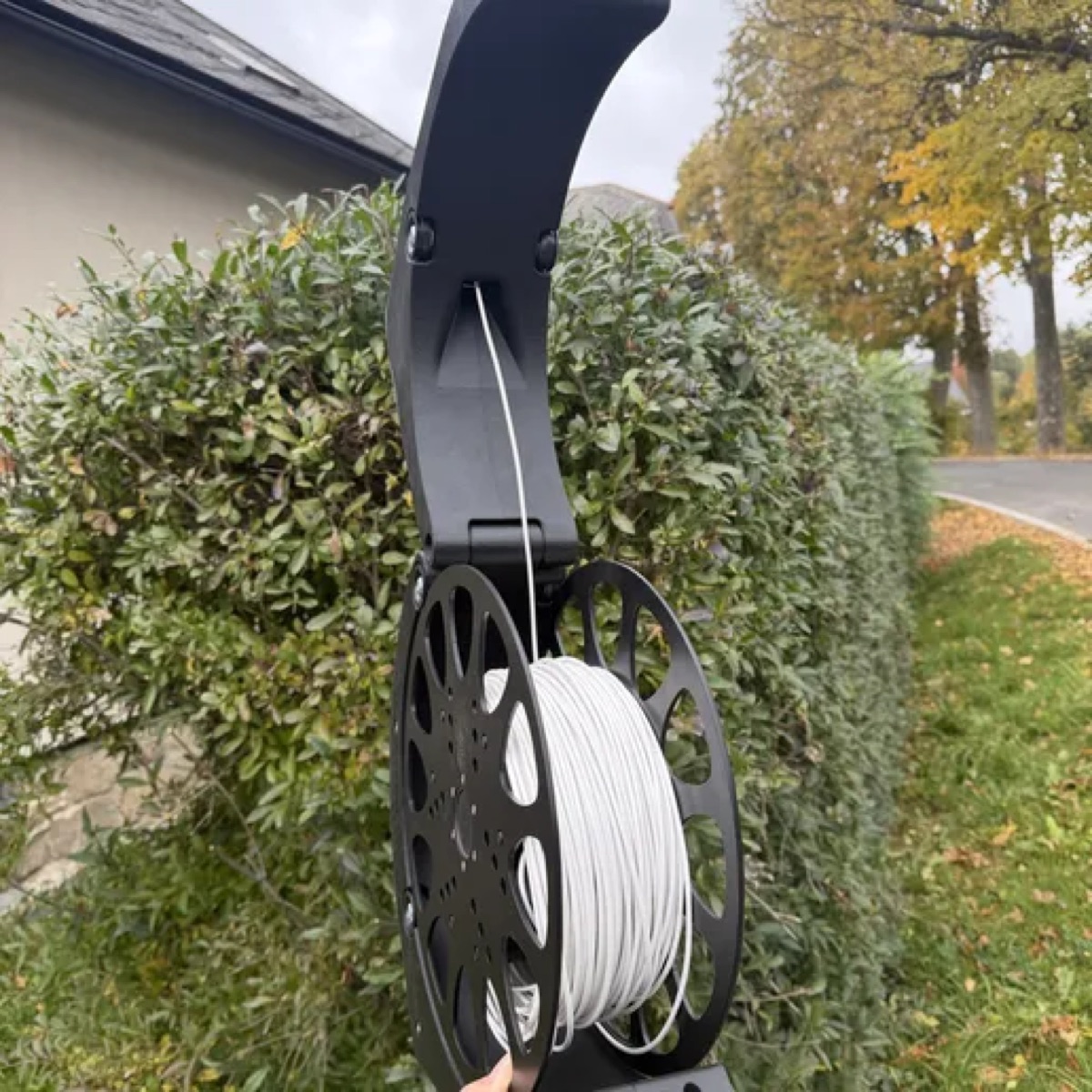
The spool has two sides. The fixed side carries the core, the segments and the clips. The removable side slides onto the core and is held by a spring button. The two sides are built separately, the fixed one first, then the removable one. Each has a chapter of its own.
What you will need
| Qty | Printed parts | Side |
|---|---|---|
| 1 | 02-00-104d-CORE-FIX | fixed, core |
| 3 | 02-01-025-SEGMENT | fixed |
| 3 | 02-00-106d-CORE-CLIP | fixed, clips |
| 1 | 02-00-108f-CLIP_BENDER | fixed, clip bender |
| 1 | 02-00-105e-CORE-REM | removable, core |
| 1 | 02-00-107e-CORE-BUTTON | removable, button |
| 1 | 02-00-109a-BUTTON_HOLDER | removable, button holder |
The spool sides
The spool has two sides, SIDE-FIX (fixed, 0.4 kg) and SIDE-REMOVABLE (removable, 0.3 kg). Each is a disc 300 mm in diameter and 3 mm thick. The other parts of the spool are always printed.
A. Print3D models (STL), you need a printer with a 300 mm bed
The sides are available as 3D models: 02-01-001-SIDE-FIX and 02-01-002-SIDE-REMOVABLE. Each is 300 mm across, so you need a printer with a large enough bed. A side does not fit on a 256 x 256 mm bed.
B. Laser cutDXF, STEP and drawings to download, 3 mm plate
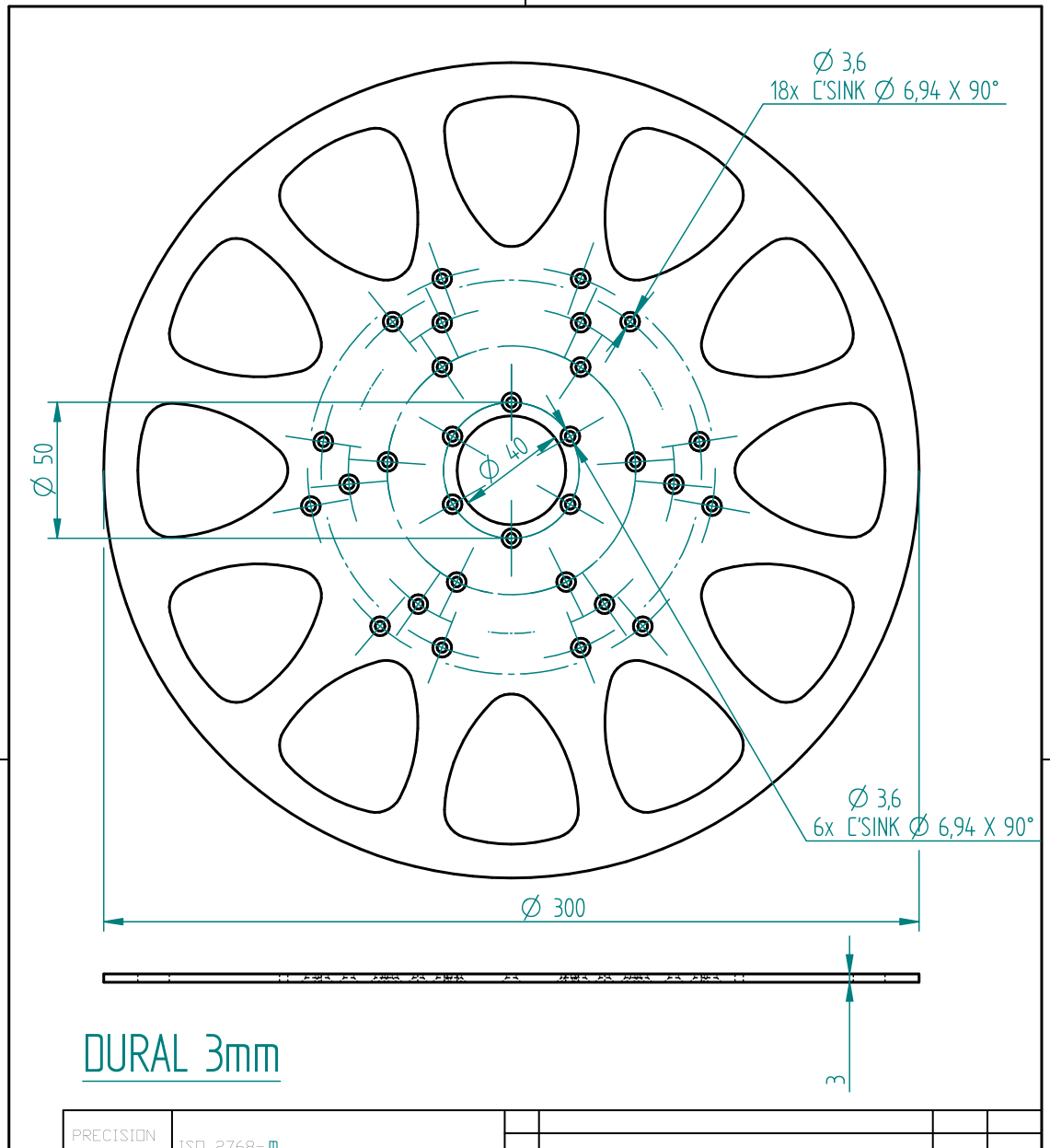
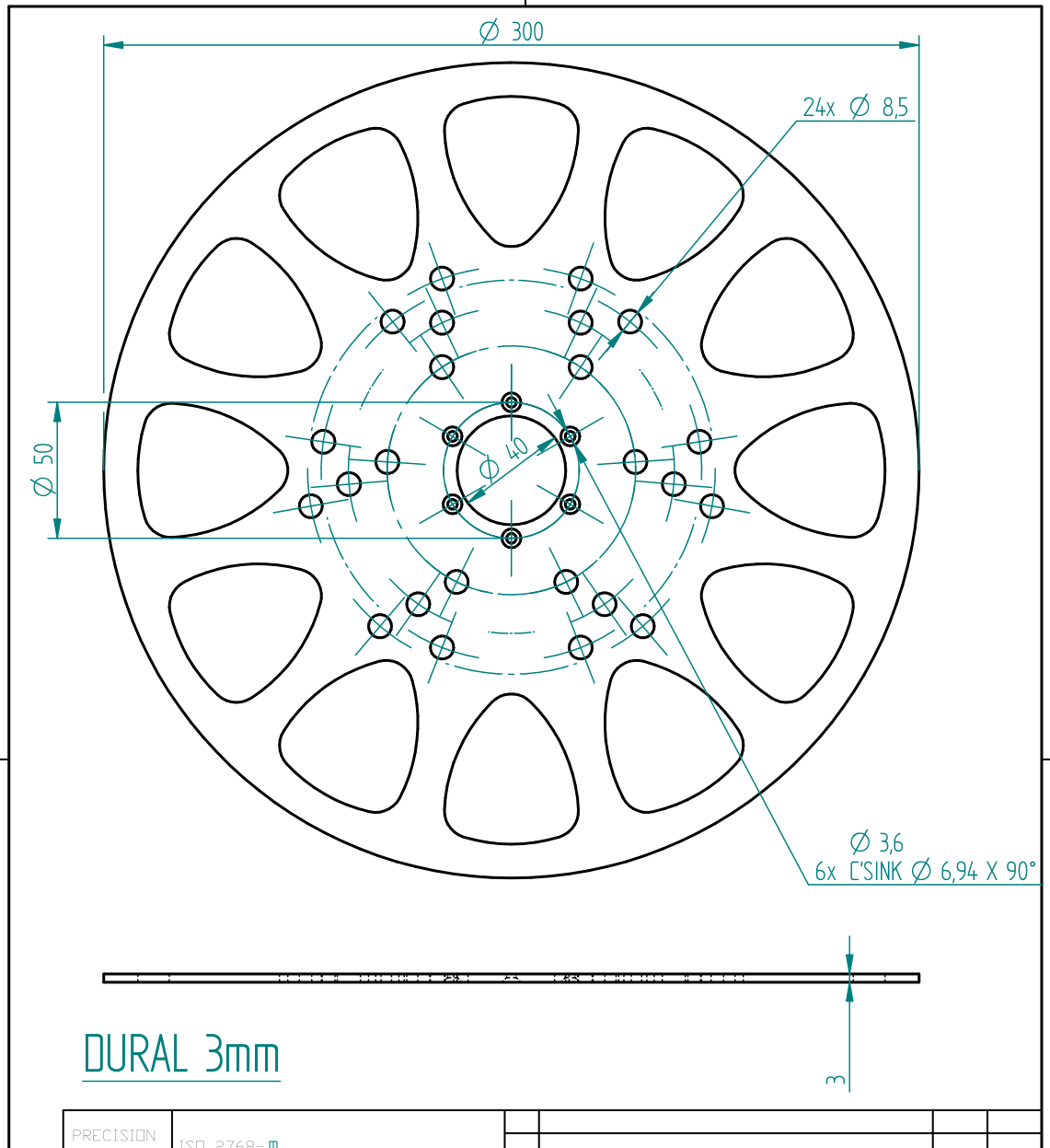
The drawings are for a 3 mm duralumin plate. Each side has a 40 mm hole in the middle and 24 countersunk holes Ø 3.6 mm (90° countersink, Ø 6.94 mm). The files for a laser or CNC (DXF, STEP and PDF drawings of both sides) are here to download. You can have them cut by any laser cutting service, for example SendCutSend.
SIDE-FIX: DXFfor laser or CNC cutting
SIDE-FIX: STEP3D model for CAD
SIDE-FIX: PDF výkresdrawing with dimensions
SIDE-REMOVABLE: DXFfor laser or CNC cutting
SIDE-REMOVABLE: STEP3D model for CAD
SIDE-REMOVABLE: PDF výkresdrawing with dimensions
Spool sides (DXF, STEP, PDF)for laser or CNC cutting
C. Buy them ready-madePainted aluminium sides, a set of 2 in the e-shop
Painted aluminium spool sides (a set of 2) are in our e-shop. Then you do not make SIDE-FIX and SIDE-REMOVABLE yourself.
Next you build the fixed side and the removable side.
Step 1Fixed side
1. Press the M3 inserts into the core
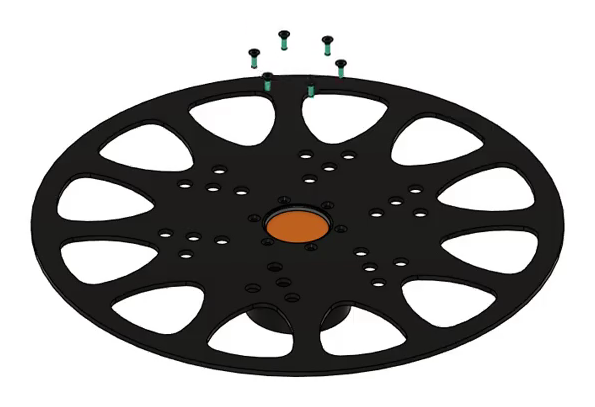
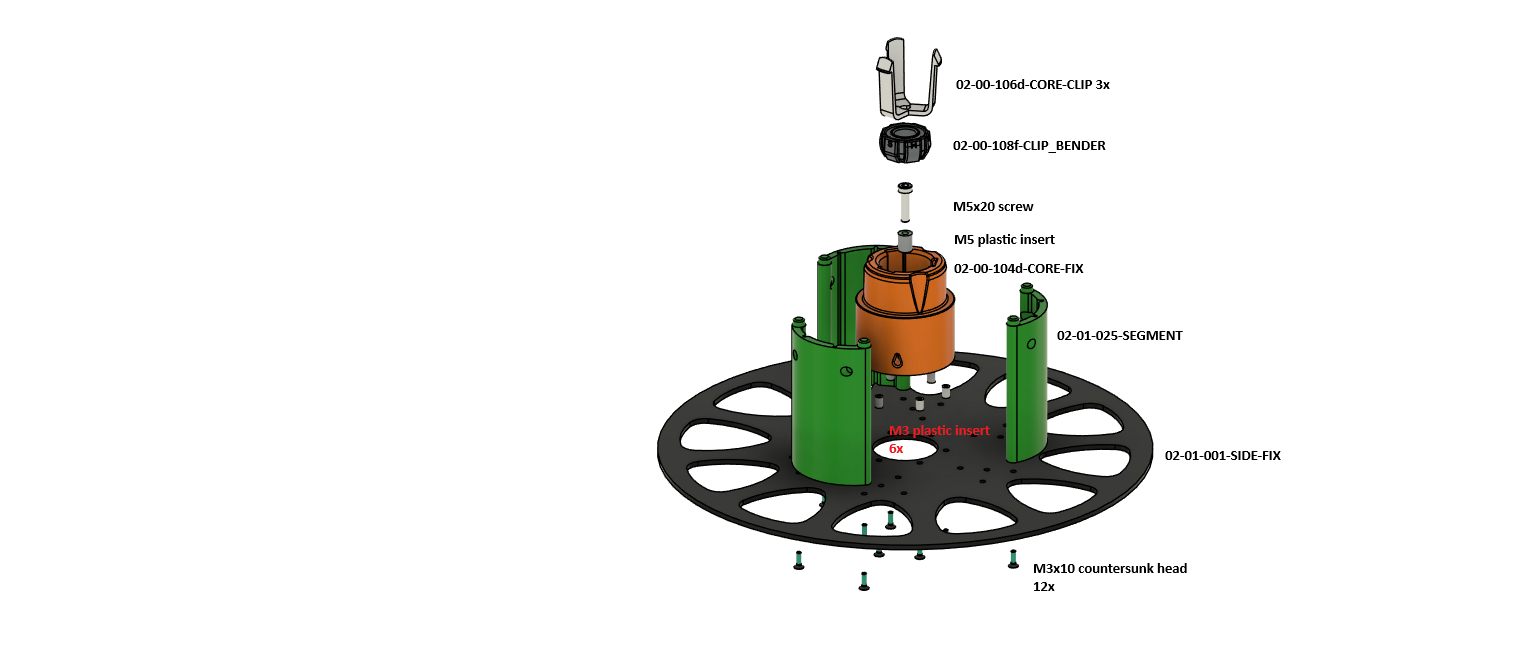
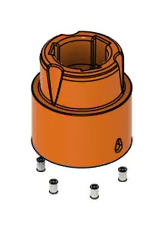
Press the M3 inserts into the underside of the core CORE-FIX. Three of them can be seen in the animation, there are six in all (marked red in the drawing).
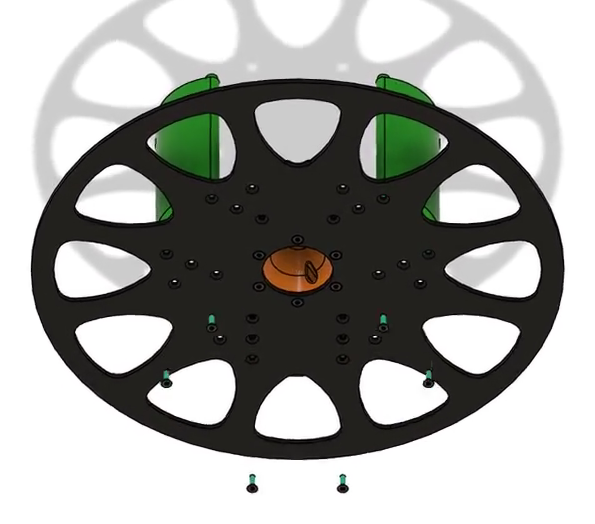
2. Screw the core to the side
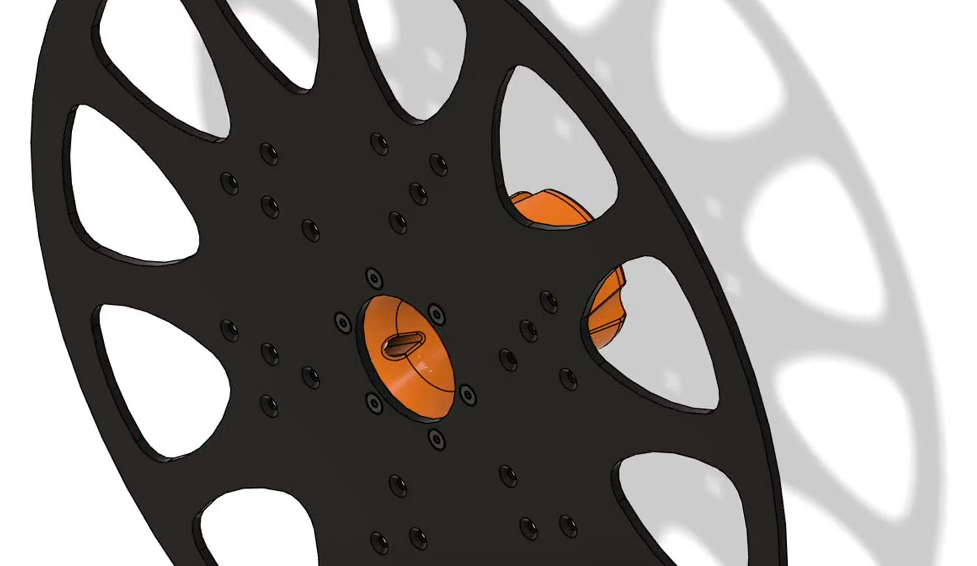
Put the core CORE-FIX in the middle of the side SIDE-FIX and screw it on from below with M3x10 countersunk screws. The drawing shows 12 screws for the whole fixed side.
3. Assemble the clip bender
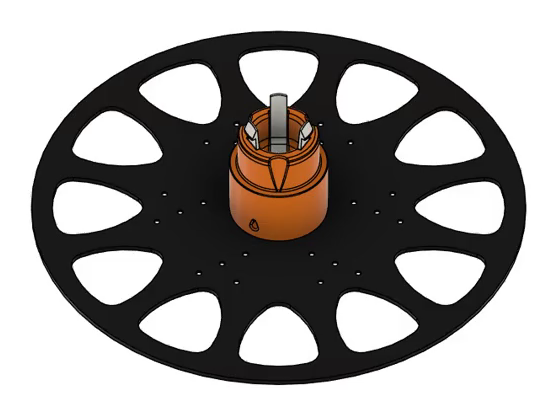
Press an M5 insert into the middle of the core, put on CLIP_BENDER and screw it down with an M5x20 screw.
4. Fit the segments
Fit the three SEGMENT parts around the core (green in the drawing).
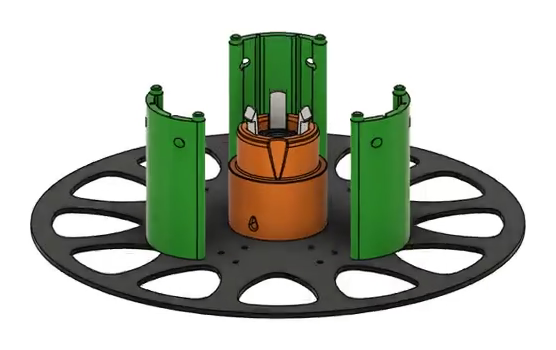
5. Push in the clips
Push in the three CORE-CLIP parts. The fixed side is done.
Step 2Removable side
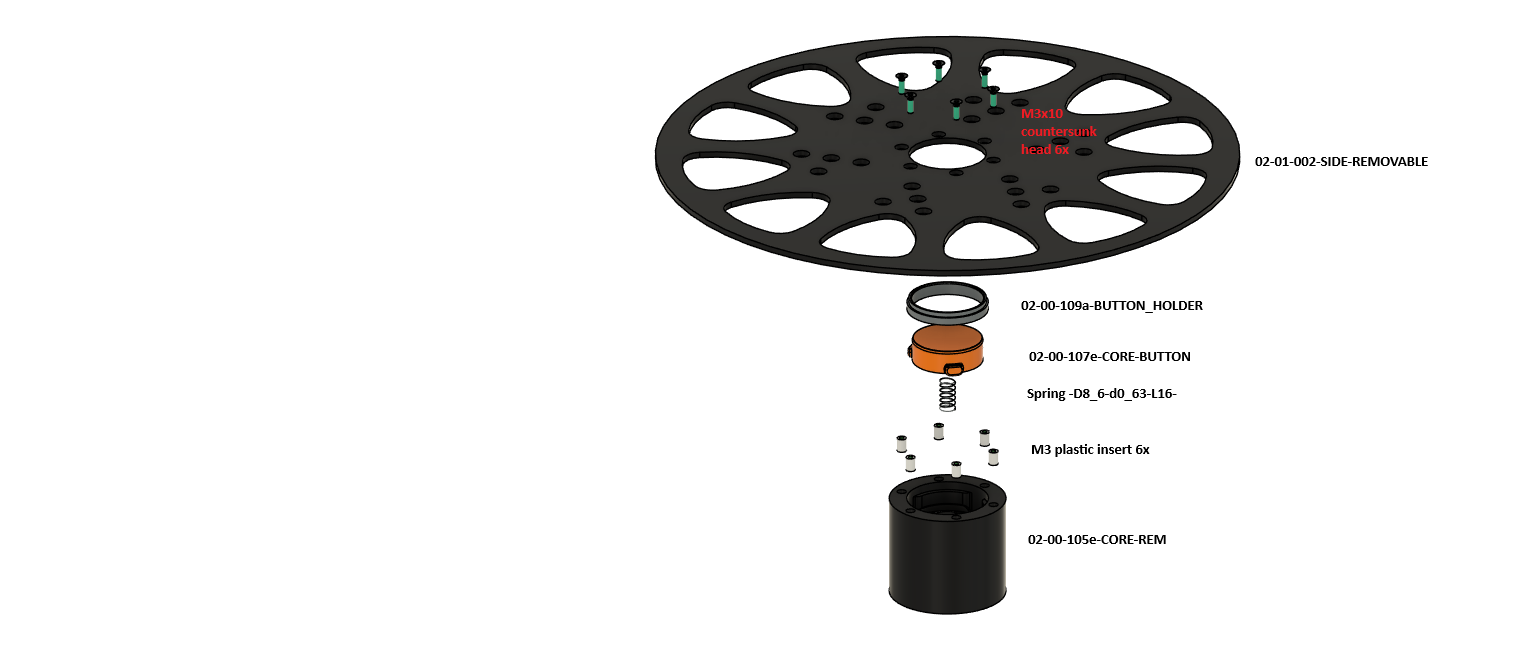
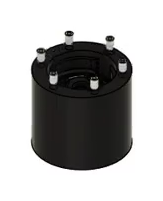
1. Press the M3 inserts into the core
Press six M3 inserts into CORE-REM.
2. Insert the spring
Put the spring into CORE-REM.
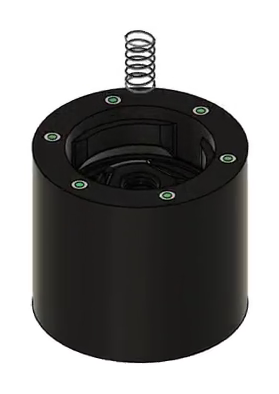
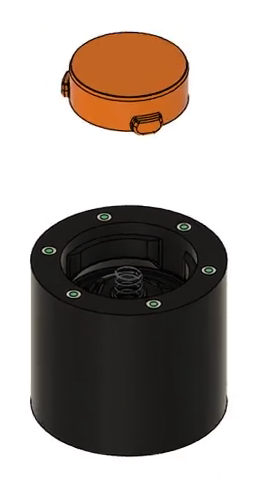
3. Fit the button and the holder
Put CORE-BUTTON on the spring and secure it with the ring BUTTON_HOLDER.
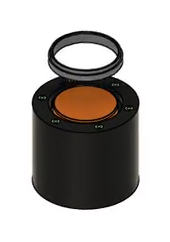
4. Screw on the side
Put SIDE-REMOVABLE on and screw it down with six M3x10 screws. The spool is done: the fixed side and the removable side, which is held by the button in the core.